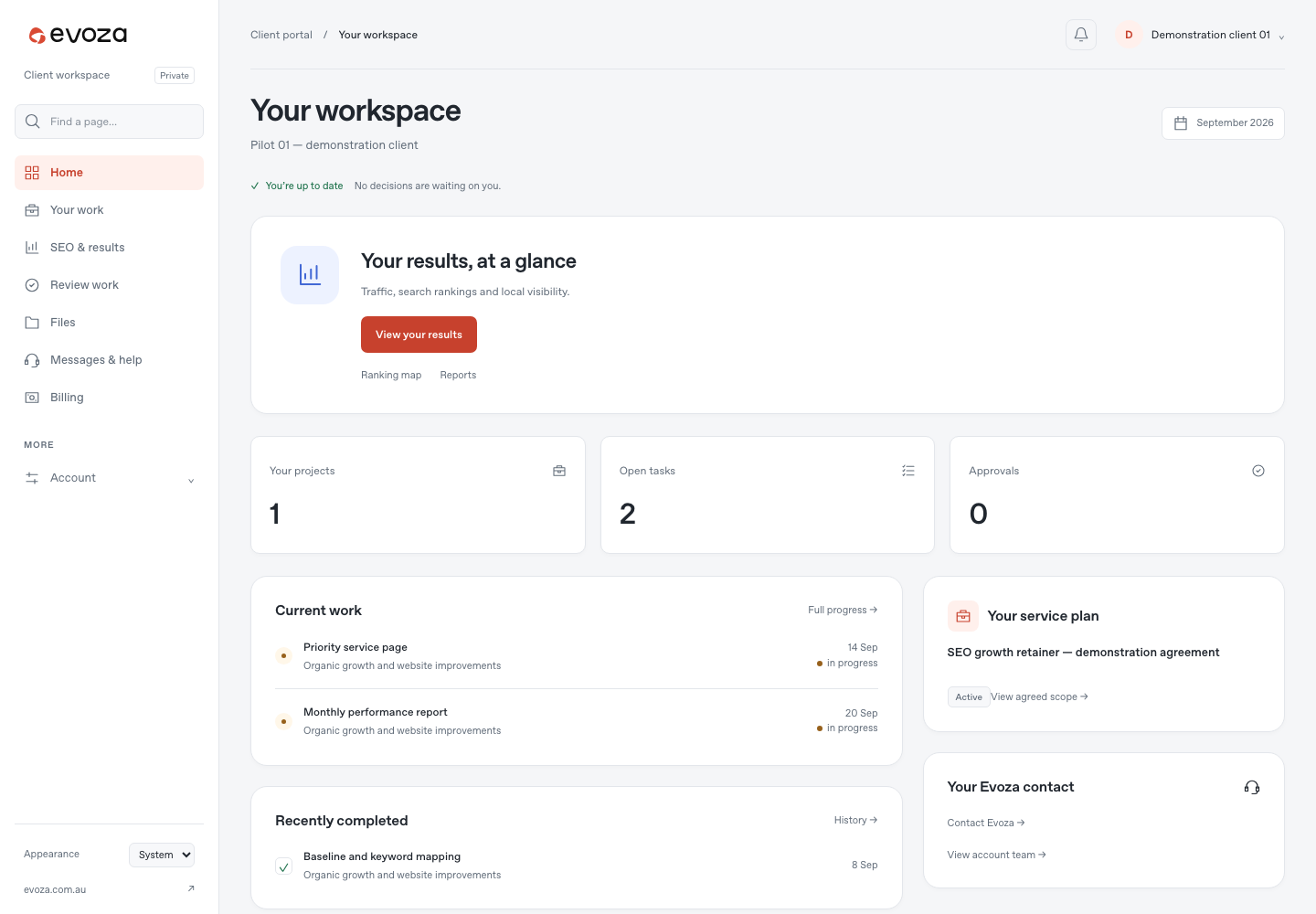
How decisions stay tied to the work
Clients can open the approval queue, inspect a specific request and respond through an authenticated flow. A site-release review can be tied to the exact revision being approved or sent back for changes, so the decision is about a defined piece of work. The portal also has project and task views, files and support requests within the client’s own organisation.
This separation matters when several people participate. A client should see the work shared with their organisation and the decisions they are allowed to make, while internal operational material stays in the staff workspace.
Reports are published, then read in context
The reports area presents client-visible published reports and allows the client to open a dated report. Where a report has an attached PDF, the download is checked against that organisation’s own file path. The dashboard can surface the latest published report without treating draft or unpublished records as client results.
That structure helps keep a report, its source notes and the conversation about it together. It does not by itself prove a traffic, ranking or revenue improvement; those outcomes need separate provider and business evidence.
What this case does and does not prove
The public screen and application routes show a deployed portal with project, approval, report and support journeys. The demonstration view is a safe way to show the interface while protecting client accounts. It does not show a real client’s records, usage numbers, adoption rate or satisfaction score.
For a similar portal, the first useful release should name the client roles, the information each role may see, one complete decision or service journey, notification expectations and the evidence needed to accept the flow on real devices.