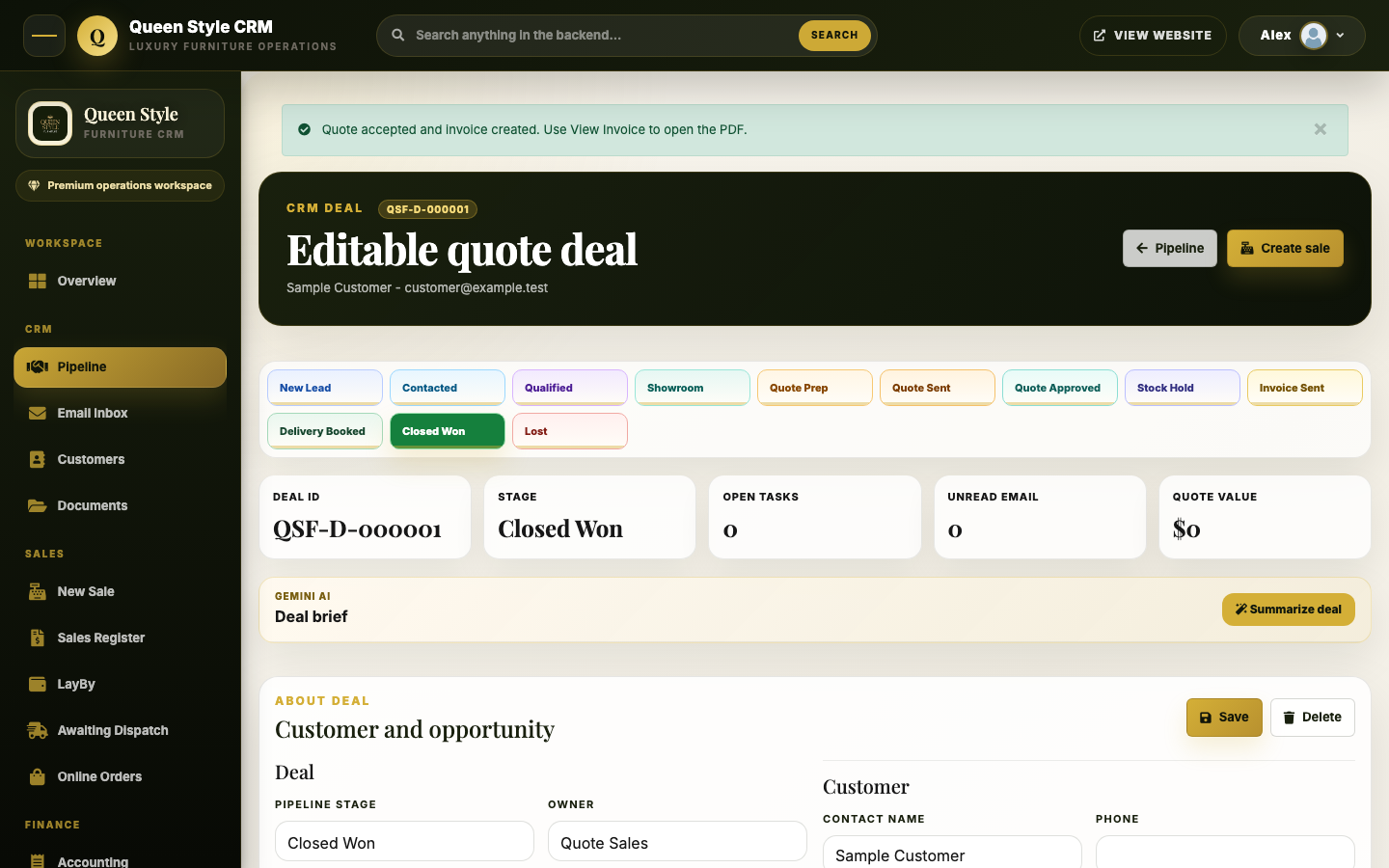
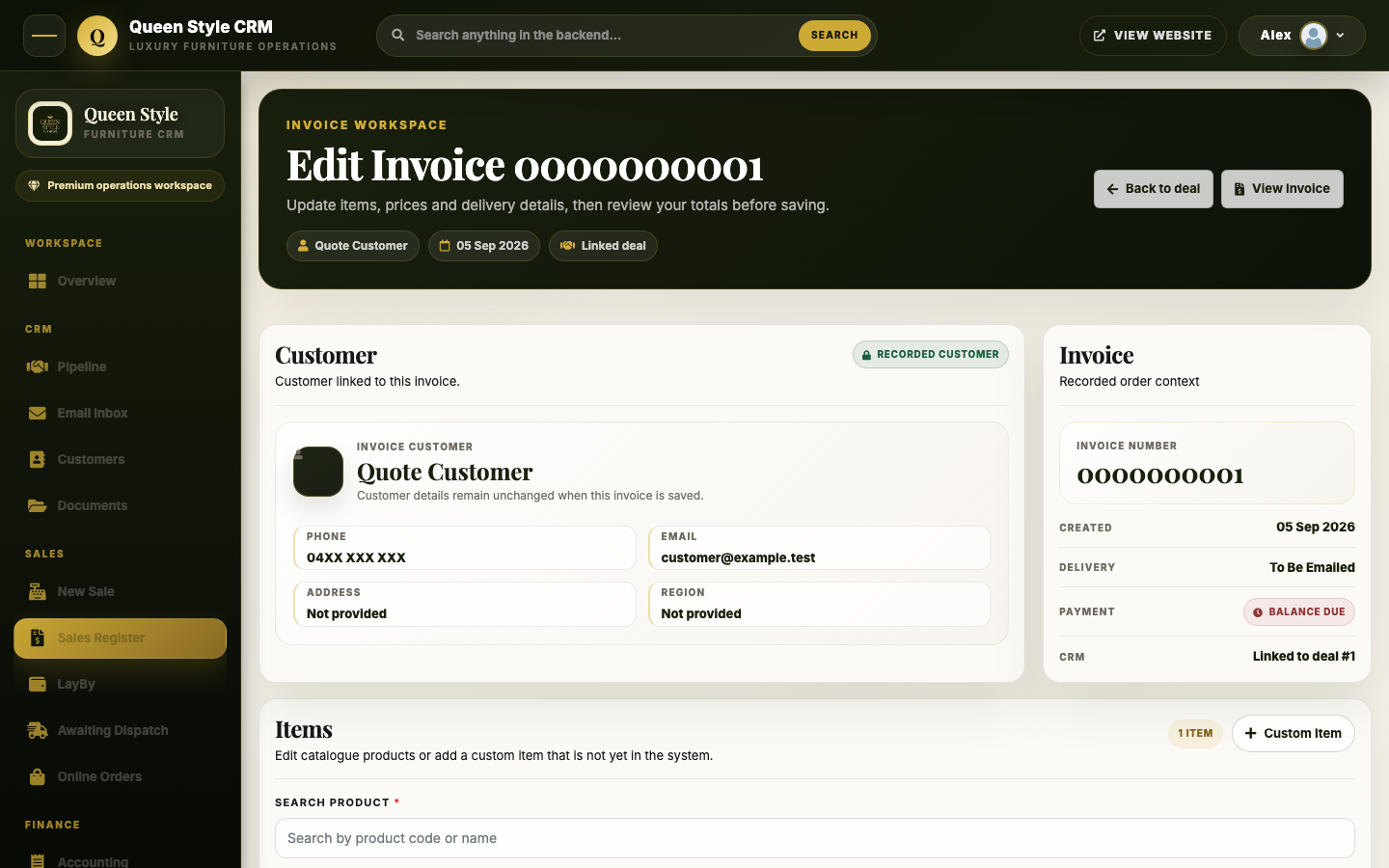
Details that make the workflow usable
The linked quote and invoice journey includes a clear return path to the relevant deal or sales register. Staff can review the current invoice before opening its PDF. The email composer displays an editable, validated recipient and the matching invoice attachment without silently changing the customer’s master contact record.
Those details matter in operational software because the interface has to support the real sequence of decisions. A polished dashboard alone would not prove the quote, invoice, recipient and saved-record handoffs work.
What this project demonstrates
The deployed CRM demonstrates a tailored sales pipeline and connected document workflow for a furniture business. Focused local integration checks covered the invoice, quote, navigation, email, stock and payment paths; production deployment and an authenticated view of the invoice email controls were verified.
These checks are evidence that the interface and selected workflows were built and deployed. They do not establish faster sales, increased revenue, email deliverability, or a measured reduction in staff time. Customer records, private financial figures and live correspondence are not shown here.
When a custom CRM is worth considering
A custom system is worth discussing when staff repeatedly translate their actual job into software that uses the wrong stages, loses context between a lead and its documents, or needs a specific handoff that existing tools cannot support well. The first scope should name one complete journey, the roles permitted to act, the records that change and the acceptance checks.
Before committing to a new build, compare configuration or integration of an existing CRM as well. A tailored application earns its cost when the workflow benefit and ownership plan justify the extra design, testing, hosting and maintenance.